Guide · 4 min read
How to open a SOR file
To open a SOR file, drop it into a SOR viewer such as OTDR Wizard. It reads the standard Bellcore / Telcordia SR-4731 format that OTDRs from EXFO, Anritsu, VIAVI, Yokogawa, AFL, Noyes and others save, right in your browser. There is nothing to install, no account, and the file never leaves your device.
What a SOR file is
A .sor file (Standard OTDR Record) is the result of one OTDR measurement: the trace itself, often 20,000 to 30,000 readings of backscattered light, plus the events the instrument found and every setting it used. Because the layout is standardised, a file saved by one brand can be read by software from another. The SOR file parameters page lists everything inside.
Open a SOR file in your browser
- Go to the SOR viewer on a computer, tablet or phone. Any current browser works: Chrome, Edge, Safari or Firefox, on Windows, macOS, Linux, iOS or Android.
- Drag one or more
.sorfiles anywhere onto the page, or select Choose files. On a phone, Choose files opens the Files app, so traces saved from email or a chat app work too. - The trace, the event table and the summary appear in about a second. Nothing is uploaded: the file is read by WebAssembly code running in your browser tab.
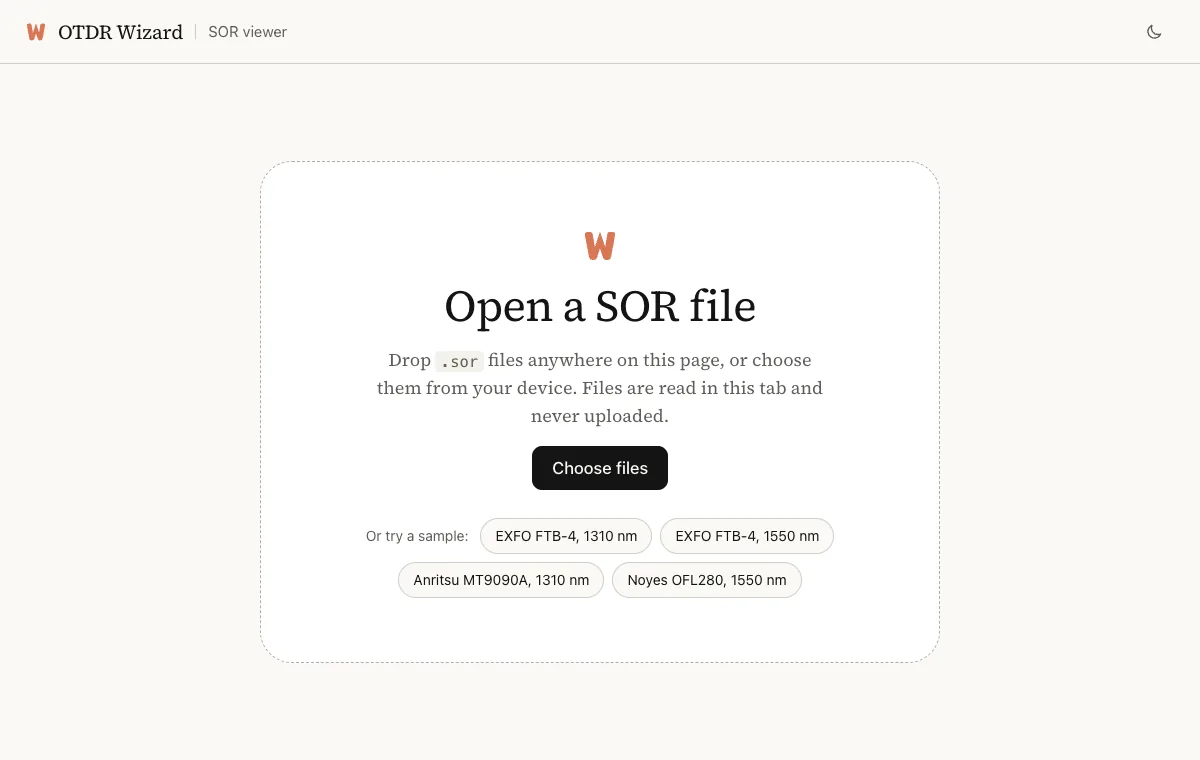
No file to hand? The start screen has sample files from four instruments, so you can see what a trace looks like first.
What you see after opening
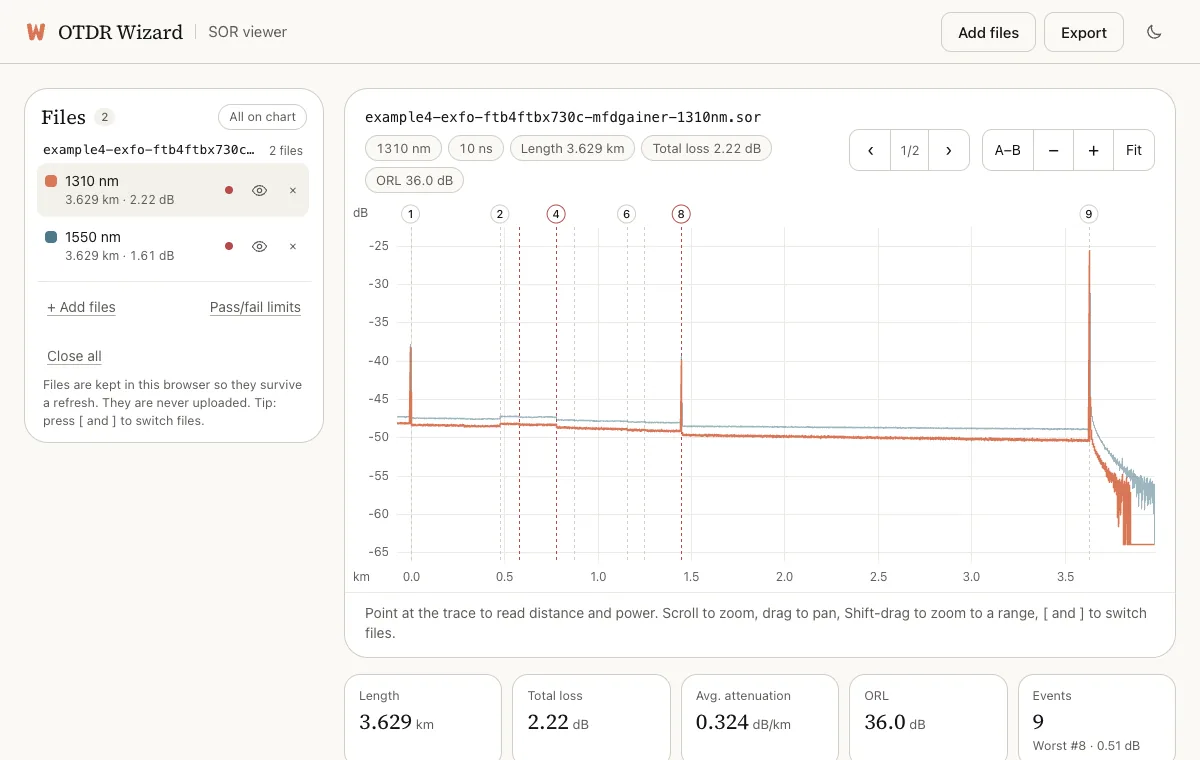
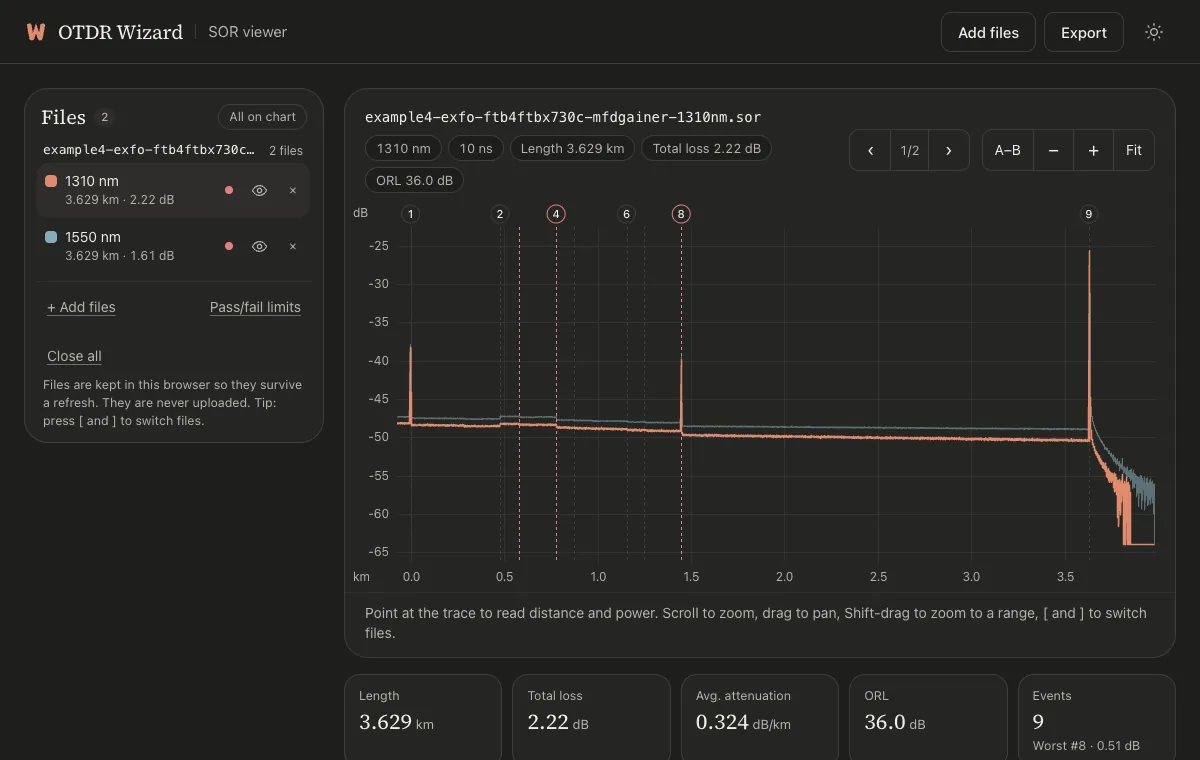
The top of the page shows the file name, wavelength, pulse width, length, total loss and optical return loss (ORL). Below it is the trace, then summary tiles like these:
- Length is the distance to the fibre end event.
- Total loss is the end-to-end loss the OTDR measured and stored in the file.
- Avg. attenuation is the length-weighted average of the fibre sections, in dB/km.
- Status checks every event against your pass/fail limits. Select it to change the limits.
Under the tiles, the Events tab lists every splice, connector and the fibre end. The event table guide explains each column. The Parameters tab shows everything else the instrument recorded: cable and fibre IDs, locations, the instrument and its serial number, the group index and the test settings.
Read the trace
- Point at the trace to read the distance and power at any spot. On a touch screen, tap.
- Scroll to zoom, drag to pan, and Shift-drag to zoom to a range. On a phone, pinch to zoom and drag sideways to pan. Fit shows the whole trace again.
- Select an event number on the chart or a row in the table to zoom to that event.
- A–B places two markers and shows the loss and attenuation between them.
Open several files at once
Drop as many files as you like. Files of the same fibre measured at different wavelengths, such as ODP12_1310.sor and ODP12_1550.sor, are grouped by name and drawn on one chart. The All files tab lists every file with its length, loss and status, so a whole batch can be checked in one view. Use Add files in the top bar to add more later.
If a SOR file will not open
- “Older SOR version 1 file”: the viewer reads version 2, which every current instrument writes. Re-saving the file in a current version of the vendor’s software may convert it.
- “Could not be read as a Bellcore SOR file”: the file is not in the standard format. Some instruments use their own formats, such as
.trcor multi-trace bundles. Save or export the trace as.soron the instrument or in its software, then try again. - “Checksum not matched” in the Parameters tab is a warning, not an error. Instruments calculate the checksum in slightly different ways, so the file still opens and the values are still read.
Other ways to open SOR files
Each OTDR maker has desktop software for its own instruments, for example EXFO FastReporter, VIAVI FiberTrace or Anritsu’s analysis software. They are a good choice if you already have a licence and a Windows PC. A browser viewer is quicker when you are on site, on a Mac or a phone, or looking at files from a mix of brands.